

Most software adoption issues don’t come from the software. They usually happen when employees struggle to get timely help, stick to consistent processes, or find important knowledge at the right moment. The outcome is often slower uptake, heavier support loads, and disappointing ROI.
We evaluated each platform on factors like in-app guidance, adoption tracking, workflow integration, how easy they are to set up, and overall enterprise fit. The options highlighted here do a strong job supporting organizations through software rollouts by improving adoption and keeping processes consistent.
Here’s how the top 9 compare at a glance:
| Platform | Best For | Core Strength | Starting Price |
| Tango | Workflow documentation and software rollouts | Automatic workflow-to-guide creation | Free; Pro from $15/user/mo |
| Atlassian (Confluence) | Unified collaboration at scale | Connects work across apps | Custom enterprise pricing |
| Trainual | Training + operations together | Role-based paths with accountability | Custom pricing |
| Guidde | Video documentation at scale | AI-powered capture and editing | Free; Pro $19/creator/mo |
| Loom | Async communication | Instant video messaging with AI | Free to $24/user/mo |
| Pendo | Outcome-driven product analytics | Behavioral data tied to business metrics | Custom pricing |
| Whatfix | Enterprise onboarding and adoption | Simulation training with usage intelligence | Custom pricing |
| WalkMe | Cross-app workflow automation | Real-time context across portfolios | Custom pricing |
| Stonly | Support team self-service | Interactive guides + agent assist | Custom pricing |
Who Should Use These Platforms?
These tools are mainly aimed at IT directors, operations managers, and the teams responsible for rolling out complex enterprise systems. Think Salesforce, Oracle, NetSuite, Epic, core banking platforms, or similar — digital adoption platforms help employees get up to speed faster and keep post-launch support from getting overwhelming.
They shine in situations where workflows vary too much between teams, knowledge lives only in people’s heads, adoption is slow, or support requests keep piling up.
Teams find them useful for:
- Improving post-go-live adoption
- Standardizing cross-department processes
- Cutting support tickets and repeat questions
- Documenting workflows and institutional knowledge
- Training on ERP, CRM, and HRIS systems
- Smoothing onboarding during implementations
- Maintaining consistency across teams and locations
- Accelerating knowledge transfer post-M&A
- Providing in-app contextual guidance
- Measuring adoption and identifying bottlenecks
Sectors like healthcare, insurance, finance, construction, and companies post-acquisition frequently rely on them for smoother transitions and better software ROI.
Top 9 Software Adoption Platforms
The digital adoption market has matured. The vendors listed here have proven deployment models, measurable adoption lifts, and enterprise-grade infrastructure. Others were excluded due to thin case portfolios, opaque pricing, or outdated roadmaps.
These nine made the cut because they back their claims with evidence.
Tango
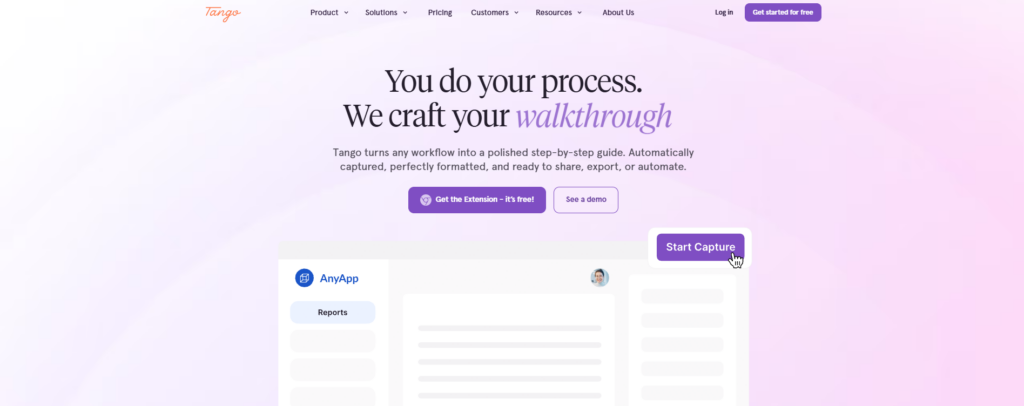
Tango helps organizations document workflows and improve software adoption without requiring integrations or API setup. Complete a process once, and the platform automatically converts it into a polished step-by-step guide with screenshots, descriptions, and formatting ready for sharing across teams.
Guides can be exported, embedded, and used to support onboarding, process standardization, and day-to-day operations.
The platform includes sensitive-data protection, in-app guidance, workflow automation, and adoption analytics to help organizations maintain process consistency and reduce support requests.
Tango is particularly useful for IT and operations teams supporting Salesforce, Oracle, NetSuite, Epic, AMS 360, and other enterprise software implementations where knowledge transfer and user adoption are critical to rollout success.
| Attribute | Value |
| Best for | Teams drowning in manual documentation |
| Core strength | Automatic workflow capture without setup |
| Pricing | Free tier; Pro from $15/user/month |
| Notable feature | Cross-format export (PDF, HTML, embed) |
Atlassian (Confluence)
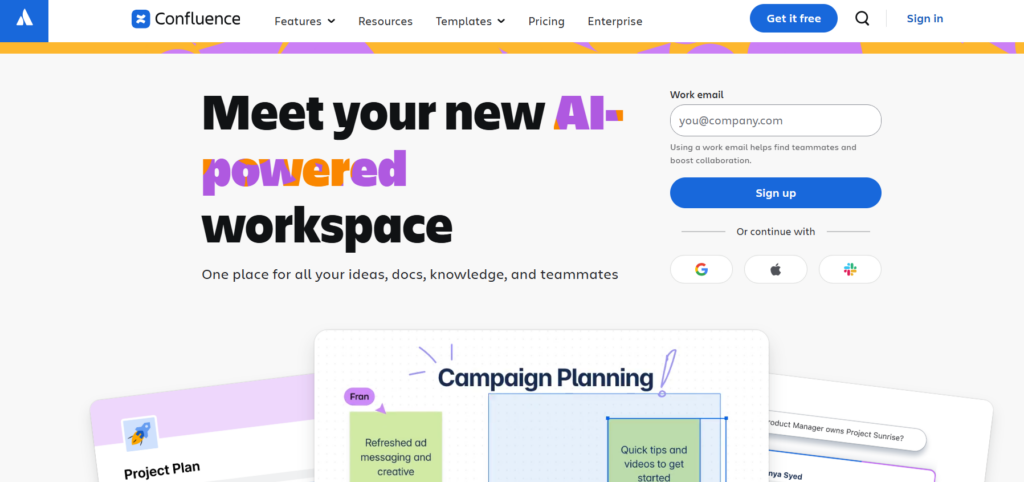
Confluence comes from Atlassian, a company founded in 2002 that also created Jira, Trello, and Bitbucket. Their products make it easier for teams to handle projects, document processes, and share information.
Over 300,000 organizations now use Atlassian tools.
In enterprise rollouts, Confluence serves as a central place for documentation, SOPs, and onboarding materials, while Jira tracks tasks and adoption. Overall, they help teams standardize processes and work together more effectively.
| Attribute | Value |
| Founded | 2002 |
| Best For | Teams replacing fragmented workflows with unified collaboration |
| Core Products | Jira, Confluence, Trello, Bitbucket |
| Scale | 300,000+ companies, 80% of Fortune 500 |
Trainual
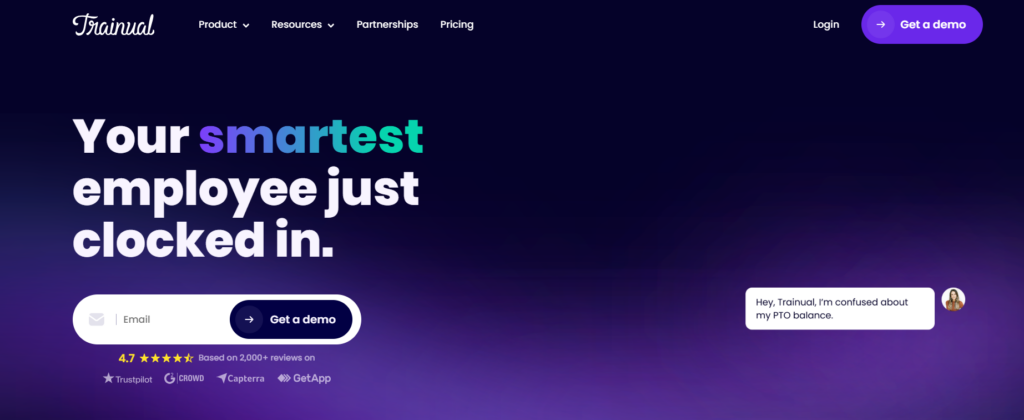
Trainual puts training, knowledge management, and operations in one spot. Role-based training paths sit alongside meeting tools, action items, goals, and scorecards.
It’s built for teams who want structure and accountability without dealing with a bunch of separate apps. It currently ranks #1 in training, onboarding, and SOP software, with a 4.7/5 rating from over 2,000 reviews.
You can create process docs, SOPs, and searchable knowledge while also handling meetings, KPIs, and tasks. Everything stays connected. The platform is SOC 2 Type 2 certified and PCI Level 1 compliant, making it secure enough for enterprises yet simple for teams that are still growing.
| Attribute | Value |
| Best For | Teams scaling training and operations together |
| Core Strength | Role-based training paths + operational accountability |
| Security | SOC 2 Type 2, PCI Level 1 compliant |
| Notable Feature | Meetings, goals, and scorecards in the same platform as training |
Guidde
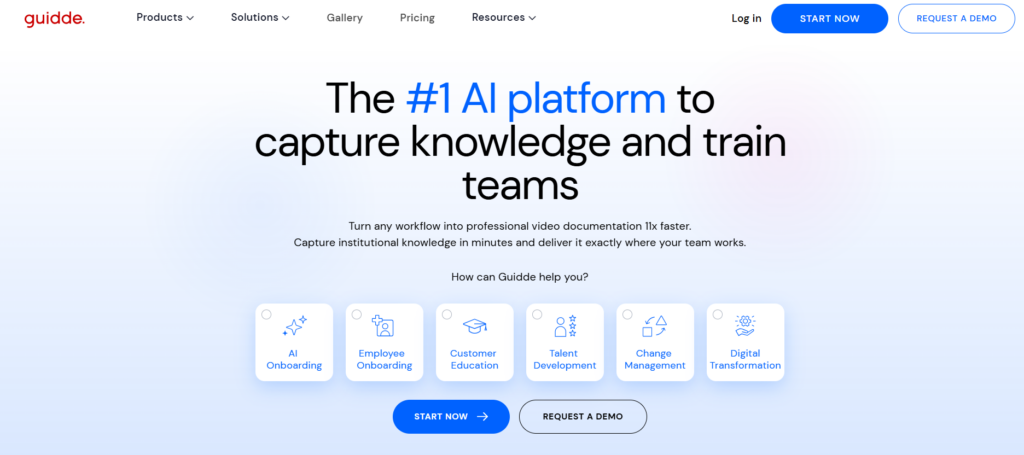
Guide makes it easy to capture workflows as professional videos, roughly 11 times faster than creating them by hand. It automatically turns any process into ready-to-use guides.
With a simple browser extension and web app, anyone can record, tweak, and publish videos — no production skills required. Best part? The videos embed straight into daily workflows, so teams see the help exactly where they work.
The platform pulls together capture, editing, publishing, and analytics with AI assistance. It connects smoothly with tools like Salesforce, ServiceNow, Workday, Zendesk, Confluence, Slack, Zoom, and Google Drive.
Free users get up to 25 videos. Pro runs $19 per creator monthly, drops the watermarks, and lets you export to PPT and PDF. It’s SOC 2 Type II and HIPAA-aligned, which works well for regulated teams.
| Attribute | Value |
| Best For | Teams creating video documentation at scale |
| Pricing | Free (25 videos), Pro $19/creator/mo |
| Notable Feature | AI-powered capture + edit in one platform |
| Compliance | SOC 2 Type II, HIPAA-aligned |
Loom
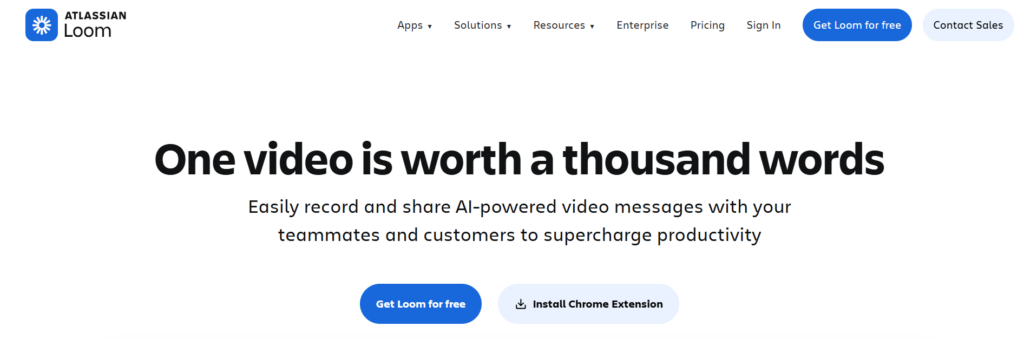
Loom makes screen recording surprisingly simple. It brings together instant video messages, AI transcriptions, and closed captions all in one place. With over 400,000 companies using it, the tool has become a solid way to handle async communication.
You record your screen, make quick edits, and share the video with privacy controls that keep things secure.
It also provides clear insights into who viewed your videos. Integrations with Slack, Jira, GitHub, and Gmail let you drop videos straight into regular workflows. Custom backgrounds and simple embedding options help even non-technical teams produce professional-looking content — all without scheduling another long meeting.
| Attribute | Value |
| Best For | Async communication and training |
| Pricing Tier | Free to $24/user/month |
| Notable Feature | AI transcriptions and viewer insights |
| Integrations | Slack, Jira, GitHub, Gmail |
Pendo
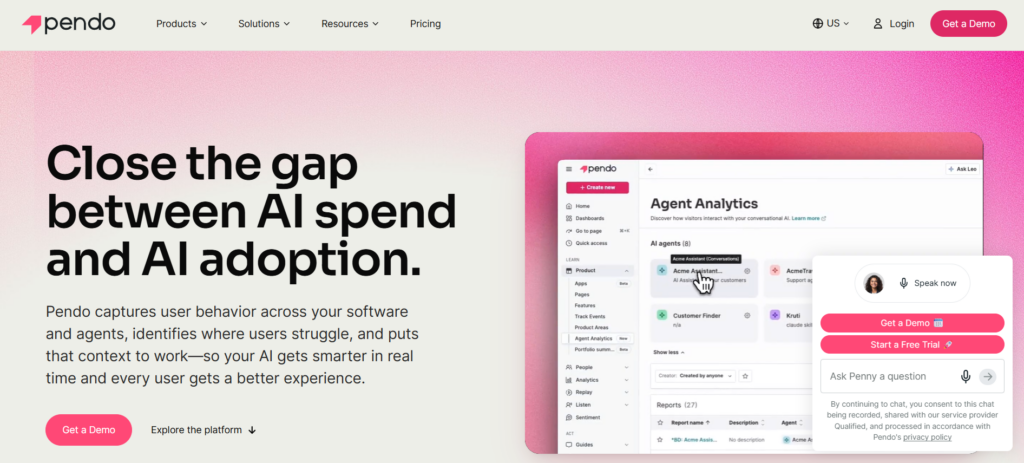
Pendo was founded in 2013 to connect AI spending with real business results. The platform links behavioral data from your products and agents to the outcomes that matter. Unlike regular analytics tools that just give you raw data, Pendo ties usage directly to business goals. Teams can see which features drive adoption and revenue without needing data science skills.
It includes built-in in-app guides, session replay, and NPS surveys. You can add guidance and collect feedback without code or developer help. Replay shows where users struggle, and sentiment analysis catches issues early.
Pendo stands out by closing the loop on outcomes. It shows which features boost revenue, which flows improve retention, and which AI agents are worth the cost.
| Attribute | Value |
| Founded | 2013 |
| Best For | Measuring software adoption after go-live |
| Core Capability | Behavioral data tied to business metrics |
| Compliance | SOC 2, GDPR, HIPAA, PCI DSS |
Whatfix
Whatfix was founded in 2013 and pioneered the idea of “Userization” — basically making technology adapt to people instead of the other way around. Their platform combines AI-powered in-app guidance, simulation-based training, and usage insights to help companies get real value from their software investments.
It works by layering contextual walkthroughs, interactive training modules, and real-time analytics directly over enterprise apps. This helps track how well adoption is going across different workflows. Gartner has recognized them as Customers’ Choice for 2024, 2025, and 2026, and they’ve earned G2 Leader status for eight reports in a row.
Big organizations like Microsoft, UPS, and Cisco rely on Whatfix to smooth out onboarding, boost ROI on new tools, and reduce risks during major rollouts — all without needing IT to answer every single user question.
| Attribute | Detail |
| Founded | 2013 |
| Best For | Enterprise adoption and guided onboarding |
| Funding | Series E, $125M (2024) |
| Notable Feature | Simulation training with usage intelligence |
WalkMe
WalkMe, founded in 2011, pioneered digital adoption and continues to lead as the enterprise choice for making AI effective across application portfolios.
It overlays real-time context, cross-app workflows, and automation on your tools so AI investments actually deliver results. Automation, analytics, and onboarding are all built-in from the start.
Beyond guiding tasks, WalkMe understands complex workflows spanning systems, automates repetitive work, tracks real usage patterns, and serves up personalized in-app help that adapts to each user. It’s a Gold Globee winner for Best AI Integration in 2025 and a Gartner Leader in Digital Adoption Platforms.
This gives enterprise teams the visibility and automation they need to close adoption gaps.
| Attribute | Value |
| Founded | 2011 |
| Best For | Enterprise AI adoption across complex app portfolios |
| Core Differentiator | Cross-application workflow automation with real-time context |
| Recognition | Nasdaq-listed (2021), Gartner Leader |
Stonly
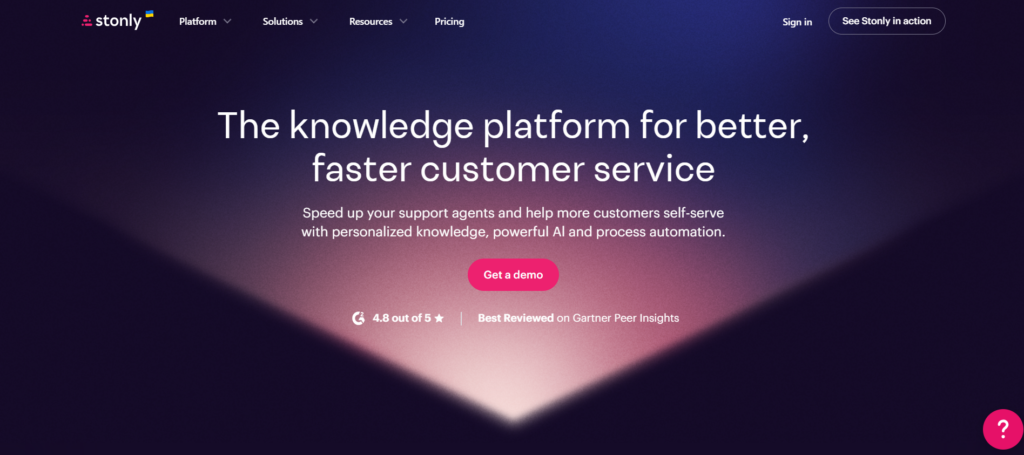
Stonly positions itself as a knowledge platform for faster customer service. It combines interactive guides, tours, and AI chatbots to improve how support teams function.
Rather than static articles, it delivers self-service through structured, step-by-step workflows. Customers get real-time guidance on complex processes, whether troubleshooting or learning new features. This reduces repetitive tickets and improves resolution times.
The standout AI agent assist gives reps contextual suggestions and ready responses from the knowledge base, cutting handle time while maintaining quality. Knowledge stays centralized but adapts to each user.
It’s ideal for support teams handling heavy ticket loads who need effective self-service that truly lightens the burden.
| Attribute | Value |
| Best For | Support teams scaling self-service |
| Core Strength | Interactive guides + AI agent assist |
| Notable Feature | Contextual chatbot with knowledge integration |
Conclusion
Enterprise software adoption rarely fails because the tools are flawed. It fails when teams don’t have real-time guidance and cross-app context in the moment they need it.
The nine platforms we ranked all help bridge this gap, each with its own strengths — automatic workflows, overlays, behavioral analytics, AI personalization, or video documentation.
The best choice isn’t the one with every possible feature. It’s the one that provides practical support where your team actually works and delivers clear results from your investment.
Map your current pain points against our five criteria: in-app guidance, analytics, workflow automation, no-code ease, and enterprise scalability. Then test two platforms that fit your stack.