

Most teams don’t expect visibility to be the problem.
Salesforce has the data. ServiceNow has the processes. Each system is doing exactly what it was designed to do, and on paper, everything looks connected.
The issue shows up in between.
A case is open in Salesforce, but the actual work is happening in ServiceNow. Updates are being made, comments are added, status changes move forward, but none of that is visible where the customer conversation lives.
So people start asking.
What is the status? Has anything changed? Is someone already working on it?
The information exists, but it is not where it needs to be. It sits in another system, one step removed from the place where decisions are made.
That is where visibility becomes more than convenience. It becomes necessary.
Why ServiceNow Data Rarely Feels “Live” in Salesforce
On paper, integration sounds simple. Connect the systems. Sync the data. Done.
In reality, that connection often feels incomplete.
Updates come with delays. Some fields sync, others do not. Comments stay in one system. Attachments live in another. Even when the data is technically there, it does not always feel reliable.
So teams adjust their behavior.
They stop trusting the system fully. They check manually. They ask for updates. They keep conversations going outside the tools just to stay aligned.
That is when visibility stops being a system feature and becomes a manual effort.
You can usually recognize this situation by how often people ask for updates instead of looking at the system. When questions replace visibility, the connection is not doing its job.
What Real-Time Visibility Actually Looks Like
Real-time visibility is not just about seeing data.
It is about seeing the right data at the right moment, without needing to search for it or wait for it.
A Salesforce user should be able to open a record and immediately understand what is happening in ServiceNow. Not after a refresh. Not after a sync cycle. Not after checking another system.
That includes status updates, comments, attachments, and the full context of what is being done.
When that level of visibility is in place, the workflow changes.
People stop switching between tools. They stop asking for confirmation. They stop keeping parallel notes just to stay informed.
The system becomes something they rely on directly.
1. Peeklogic Salesforce ServiceNow Connector
When teams talk about visibility, they usually mean something very practical.
They want to see what is happening in ServiceNow without leaving Salesforce.
The Salesforce ServiceNow Connector from Peeklogic is built around that exact need.
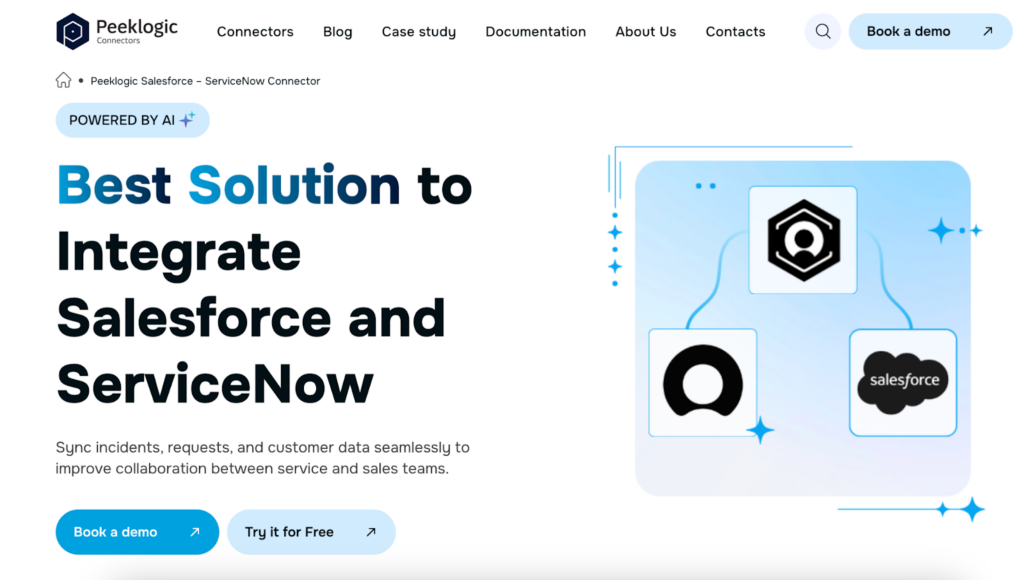
It brings ServiceNow data directly into Salesforce, so users can view incidents, updates, and related information in real time. There is no waiting and no need to check another system just to understand what is going on.
It also allows actions to happen from within Salesforce. Incidents can be created, linked, and updated without switching context.
Teams use it for:
- Two-way synchronization between Salesforce and ServiceNow
- Viewing ServiceNow incidents and updates inside Salesforce
- Syncing comments, work notes, and attachments
- Creating and linking incidents without leaving Salesforce
- Maintaining real-time context across both systems
Once this is in place, visibility stops being something people manage. It becomes part of how the system works.
2. MuleSoft
In larger organizations, visibility issues are rarely limited to one connection.
Salesforce and ServiceNow are often part of a broader environment with multiple systems involved. Data moves between them, but not always in a consistent way.
That is where things start to feel fragmented.
MuleSoft addresses this by creating a structured integration layer.
Instead of connecting systems directly, it defines how they interact through APIs. This makes data flow more predictable and easier to manage.
Teams rely on it for:
- Building API-based integrations between Salesforce and ServiceNow
- Ensuring consistent data flow across systems
- Supporting enterprise-level environments
- Managing integrations from a central point
- Connecting multiple platforms beyond CRM and ITSM
It is less about quick connections and more about making sure everything behaves consistently over time.
3. Workato
Sometimes visibility is not just about seeing updates, but about what happens when those updates appear.
A status change in ServiceNow, but nothing happens in Salesforce until someone reacts. A comment is added, but the next step depends on manual action.
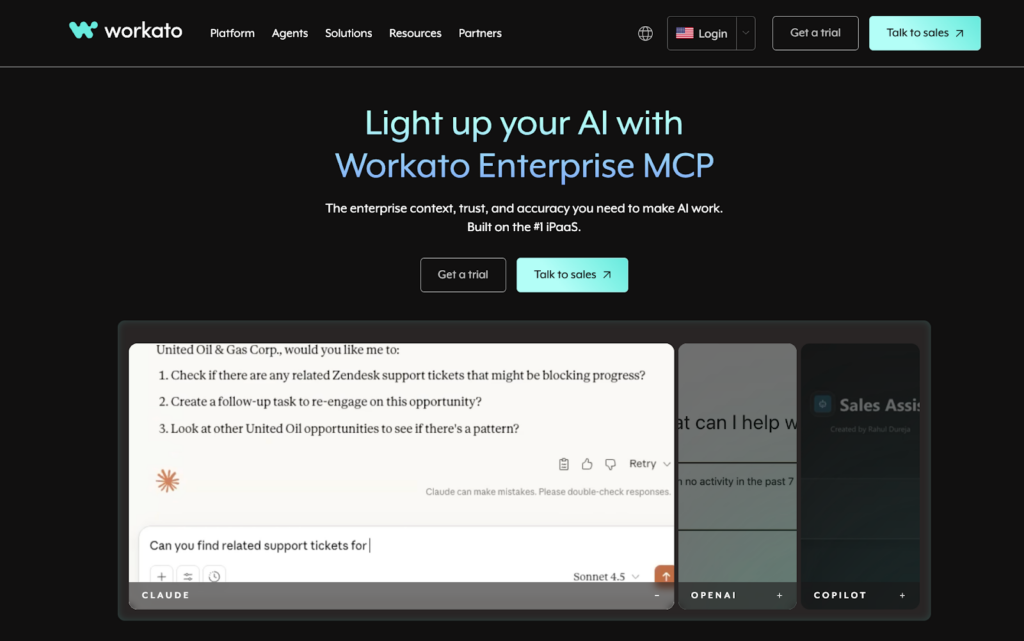
Workato focuses on connecting those moments.
It allows events in one system to trigger actions in another, so processes continue without waiting for someone to move them forward.
Teams use it for:
- Automating workflows between ServiceNow and Salesforce
- Triggering updates based on real-time events
- Reducing manual coordination between teams
- Connecting processes across systems
- Keeping actions aligned with data changes
When actions are connected, visibility becomes something you can act on immediately.
4. Boomi
As systems evolve, maintaining visibility becomes more complex.
There are more integrations, more dependencies, and more points where something can fall out of sync. Each connection works, but together they do not always form a clear structure.
Boomi helps bring order to that environment.
It provides a platform where integrations can be built, managed, and scaled without losing control.
Teams use it for:
- Building integrations through a visual interface
- Managing connections between Salesforce and ServiceNow
- Supporting both simple and advanced use cases
- Scaling integrations as systems grow
- Keeping systems aligned over time
It becomes especially useful when the system has grown beyond simple, one-to-one integrations.
5. Zapier
Not every visibility issue comes from something complex.
Often, it comes from small delays that repeat throughout the day.
A field does not update. A notification is not triggered. A record is created later than it should be.
Each of these seems minor, but together they create gaps.
Zapier handles those small pieces.
It connects events and actions so updates happen automatically, without requiring manual effort each time.
Teams use it for:
- Automating simple updates between ServiceNow and Salesforce
- Triggering actions from events
- Reducing repetitive manual tasks
- Connecting tools quickly
- Maintaining basic synchronization
It works best when the goal is to remove frequent, small interruptions.
6. Exalate
Not all visibility needs are the same.
Some teams want full transparency. Others need more control over what is shared and how it is presented.
Exalate provides that flexibility.
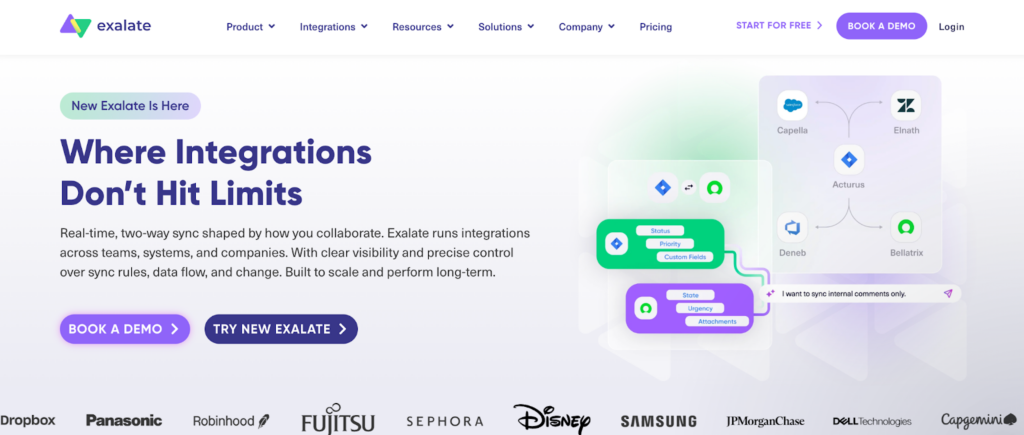
It allows teams to define how data should be synchronized, which fields should be visible, and how updates should behave.
Teams use it for:
- Customizing synchronization between systems
- Controlling how data is shared
- Handling complex workflows
- Connecting Salesforce with ServiceNow
- Adapting integration to specific requirements
It is often chosen when standard integrations feel too rigid.
Why Visibility Still Feels Incomplete in Many Setups
Even when integrations exist, visibility can still feel unreliable.
This usually happens when updates are not truly immediate.
Data might sync periodically instead of instantly. Or only in one direction. Or without enough detail to be useful.
So people step in.
They check manually. They confirm updates. They rely on conversations instead of trusting the system.
That is when it becomes clear that the integration is not solving the full problem.
How to Tell If You Lack Real-Time Visibility
You rarely see it as a clear failure.
Instead, it shows up in small behaviors.
People ask for updates that should already be visible. They double-check information that should be reliable. They keep conversations going just to stay aligned.
Nothing is broken.
But nothing feels immediate either.
That is usually the signal.
What Changes When ServiceNow Becomes Visible in Salesforce
When ServiceNow data is fully visible inside Salesforce, the change is not dramatic.
It is subtle, but noticeable.
Sales teams stop guessing what is happening with customer issues. Support teams do not need to repeat updates. Everyone works with the same information at the same time.
There is less back and forth. Less duplication. Less uncertainty.
And over time, that consistency becomes the default way of working.
Visibility Is About Context, Not Just Data
Seeing data is not enough.
It needs to appear in the right place, at the right time, with enough context to make sense.
Without that, even well-integrated systems feel disconnected.
With it, teams can act without hesitation.
The Right Tool Depends on What Is Missing
Some teams need faster updates. Others need a better structure. Some need more control over how data is shared.
There is no single tool that solves everything.
The key is understanding what part of visibility is missing.
Once that is clear, the right solution becomes much easier to choose.
When Visibility Works, Everything Feels Simpler
There is no big transformation moment.
Things just stop getting in the way.
Updates appear where they should. Context is available without asking. Work moves forward without extra steps.
And over time, that simplicity becomes part of how the system feels.
Because when visibility is real, the system finally supports the work instead of slowing it down.