

You can usually tell how good a mobile app is by watching how often someone avoids opening it.
In field teams, that happens more than most people expect.
A rep walks into a store, checks the shelf, talks to the manager, notices something off. The phone is in their hand, but instead of opening the app, they make a quick mental note.
“I’ll update it later.” That “later” becomes part of the routine. Not because the app is broken. Not because the team is careless. It usually comes down to something simpler. Opening the app takes a bit too long. Finding the right screen takes a few steps. Entering the data interrupts the flow of the visit.
So the rep keeps moving. That is where the difference between mobile tools really shows up. Not in what they can do, but in whether people actually use them in the moment.
The Phone Is Always There, But Not Always Used
From the outside, it looks like everything runs through mobile. Routes, orders, photos, reports. All of it is supposed to happen through the app. In reality, the phone is used in short bursts.
A few seconds here. A quick check there. Then it goes back into the pocket. If the app does not fit into that pattern, it starts to fall out of use.
This is not a conscious decision. It happens gradually. First one step is skipped, then another. Eventually, the app becomes something you update after the visit instead of during it. At that point, the system is no longer part of the work. It is just a record of it.
What Makes People Actually Use an App in the Field
It is rarely about features. Most tools in this space can technically do the same things. Capture photos, log visits, place orders, and track activity.
The difference shows up in how quickly those actions can happen. If something takes too long, it gets postponed. If it interrupts the conversation, it gets skipped. If it requires too much attention, it gets replaced by memory.
The apps that stick are the ones that require almost no effort to use. Not because they are simple, but because they do not compete with the visit itself.
1. SimplyDepo
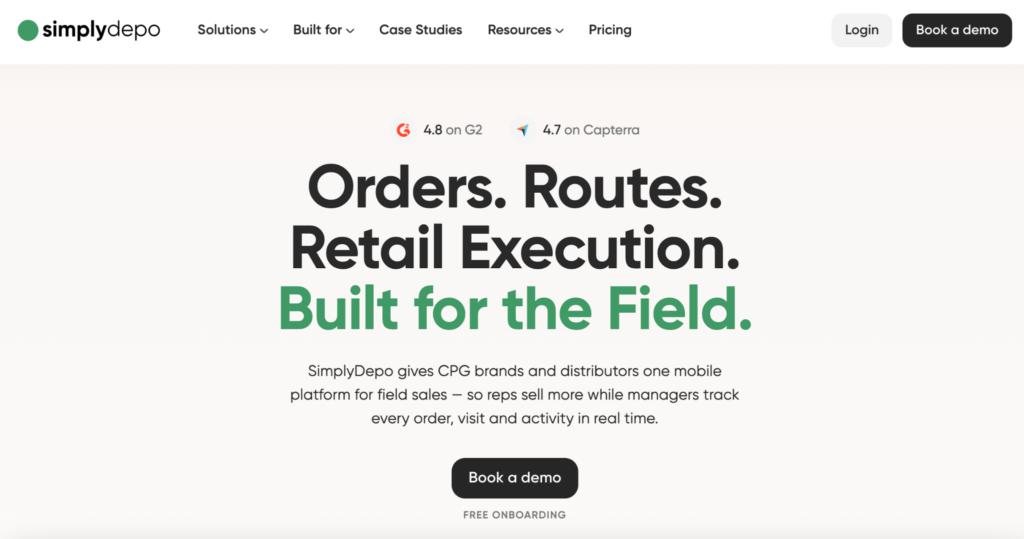
SimplyDepo tends to stay in use because it keeps everything in one place.
Instead of asking the rep to move between different tools, it allows them to handle whatever comes up during the visit without leaving the app. That removes one of the main reasons people postpone tasks.
The platform includes:
- Shelf audits and photo reporting
- Order capture with account details
- Route planning and visit tracking
- Delivery workflows and invoicing
- Offline operation with automatic sync
What changes in practice is subtle.
A rep notices something on the shelf and deals with it immediately. There is no need to remember it or come back to it later. Over time, that reduces the number of “I’ll do it later” moments that usually build up during the day.
For teams that rely heavily on in-store work, that tends to make the app feel like part of the routine rather than an extra step.
2. Repsly
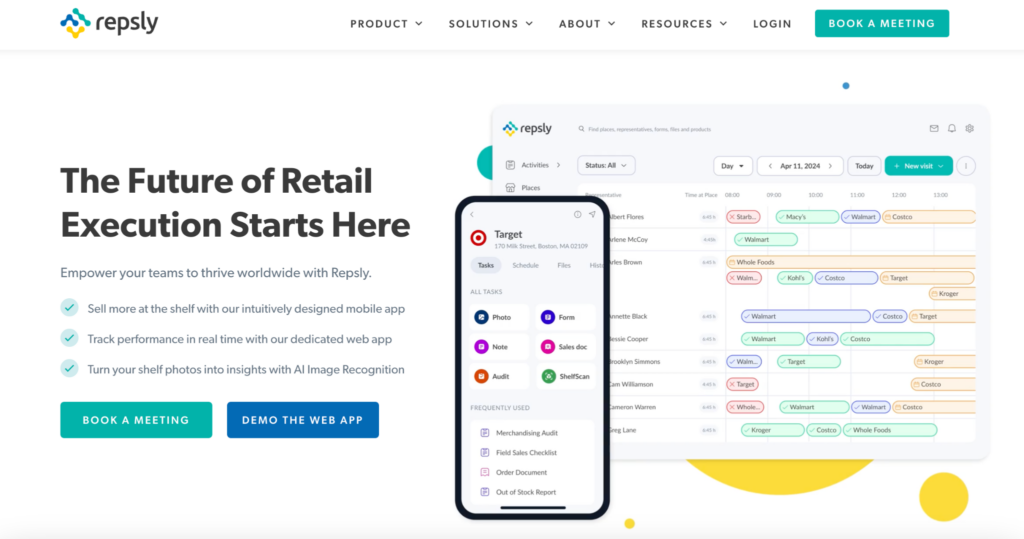
Repsly is built around structure.
It gives reps a clear set of tasks to complete during each visit, which makes it easier to stay consistent across locations. This works well when the goal is to make sure nothing is missed.
Its functionality includes:
- Store audits and task management
- Photo capture and reporting
- Team activity tracking
- Performance monitoring
This creates a sense of order.
At the same time, the structure can slow things down when the situation does not match the plan. If something unexpected happens, the rep may step outside the system to handle it, then return later to complete the task.
That is where usage patterns start to shift.
3. GoSpotCheck (FORM)
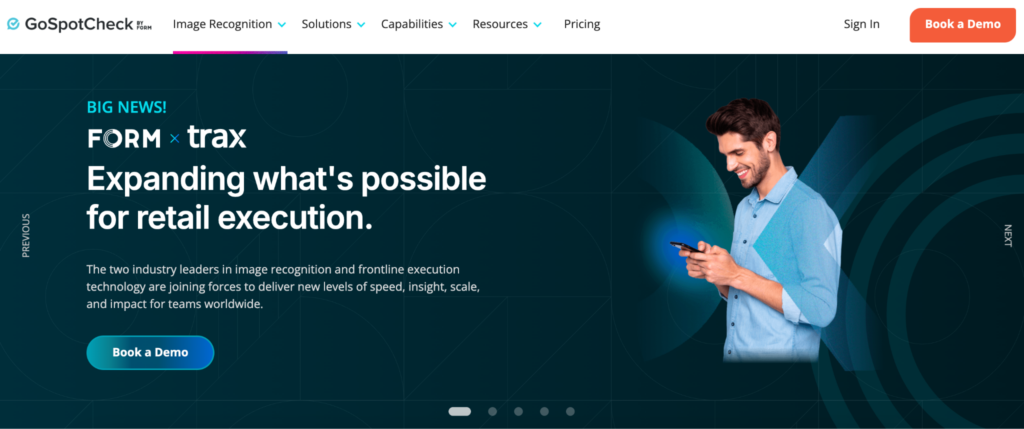
GoSpotCheck focuses on collecting information in a consistent way.
The app organizes visits into predefined workflows, which makes the data easier to compare across stores. For teams that rely on reporting, this can be valuable.
The platform includes:
- Task-based workflows
- Photo surveys and documentation
- Data collection and reporting
- Compliance tracking
This keeps everything structured.
In daily use, the experience is more about completing tasks than reacting to what is happening in the moment. Some reps follow the flow closely, others move through it more loosely.
4. Skynamo
Skynamo tends to feel lighter in use.
The app is designed to give reps quick access to information without pulling them away from the visit. It focuses on keeping things moving rather than guiding every step.
Its functionality includes:
- Mobile order capture
- Customer and account management
- Offline access to data
- Route planning
This makes it easier to check something quickly and continue the conversation.
Over time, that can affect how often the app is used during visits. When it does not interrupt the flow, people are more likely to rely on it.
5. Orders in Seconds (OIS)
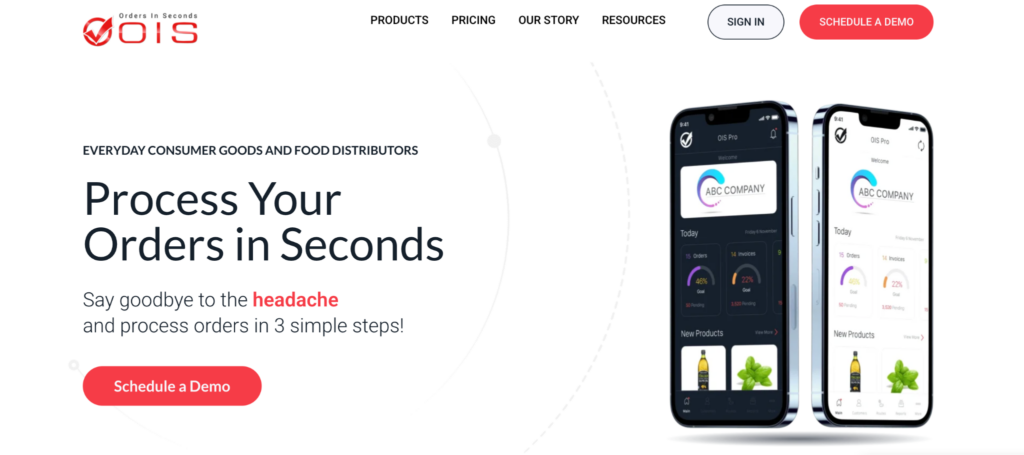
Orders in Seconds is built for speed.
The app is focused on getting orders into the system as quickly as possible. There are fewer steps, which makes it easier to act on what is happening in the store.
It includes:
- Fast mobile order entry
- Access to customer order history
- Inventory visibility
- Integration with accounting systems
This keeps the interaction short.
For teams that deal with a high number of orders, that simplicity can make a difference. The rep does not need to step away from the visit to complete the transaction.
6. Pepperi
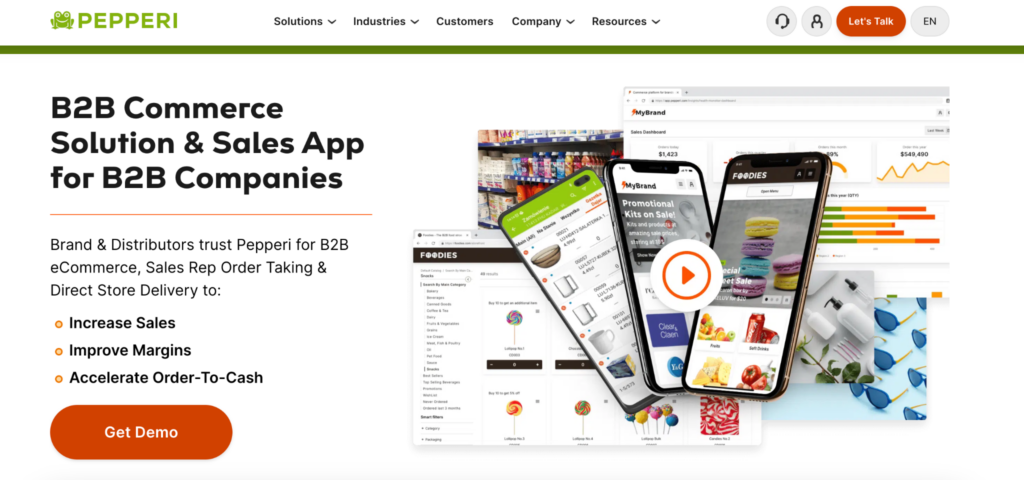
Pepperi brings more structure into the mobile experience.
It combines product data, pricing, and ordering into one system, which allows for more detailed sales processes. This is useful when there are many variables to manage.
The platform includes:
- Digital catalogs and pricing management
- Mobile order taking
- Customer-specific configurations
- Integration with backend systems
This gives reps access to everything they might need.
The trade-off is that the app requires more attention. It works best when the rep has time to move through the system without rushing.
7. Spotio
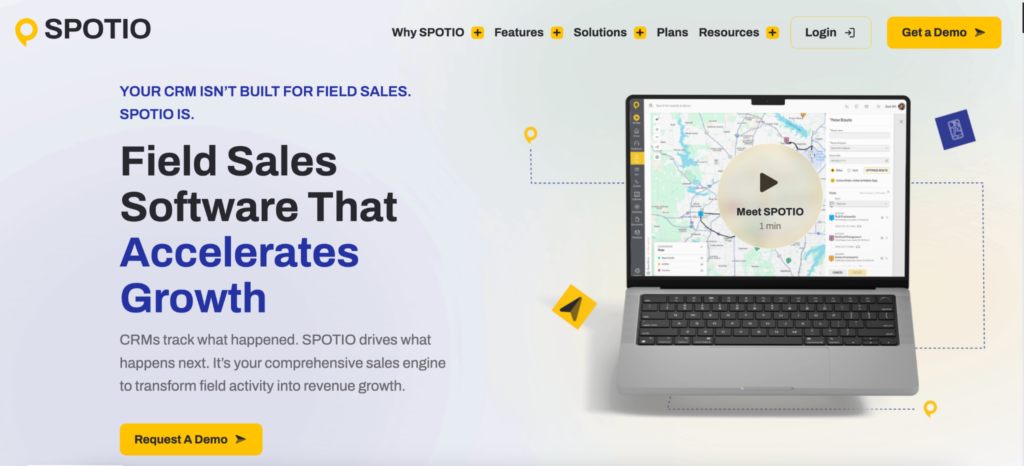
Spotio looks at mobile from a different angle.
Instead of focusing on execution, it focuses on movement. Where reps go, how they spend their time, and how territories are covered.
Its core areas include:
- Territory management
- Visit tracking
- Activity reporting
- Performance insights
This helps teams understand patterns over time.
It is not designed to handle everything during the visit, which means it often sits alongside other tools.
8. Leadbeam
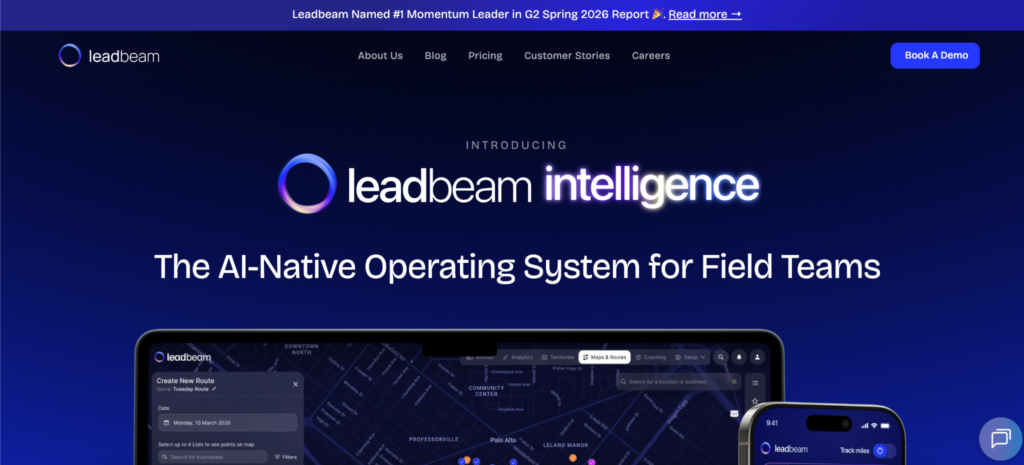
Leadbeam focuses on capturing information without slowing things down.
The app is used to record interactions and organize account data while the rep is still in the field.
Its functionality includes:
- Lead and account management
- Sales activity tracking
- Territory insights
- Data capture tools
This helps keep information structured.
Because it does not try to handle every part of the workflow, it tends to stay lightweight in use.
9. B2B Wave
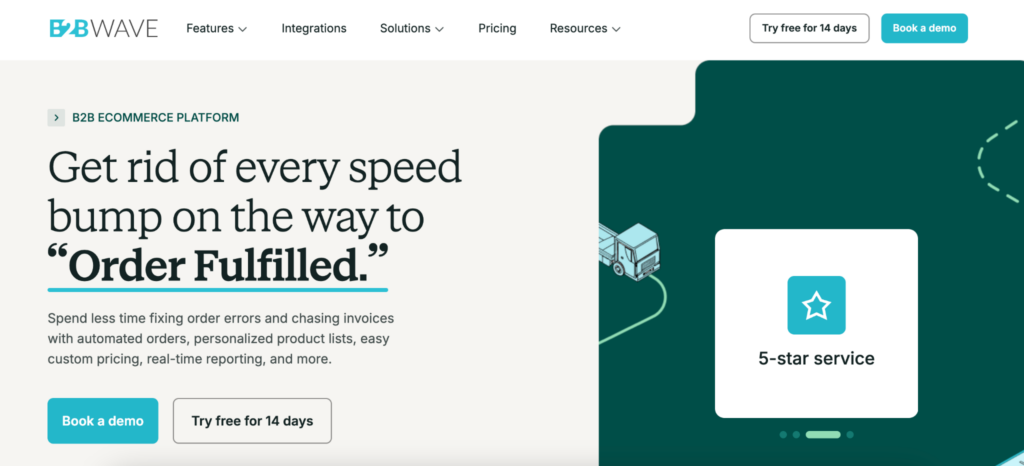
B2B Wave changes how some tasks reach the app.
Instead of relying entirely on reps, it allows customers to place orders themselves. This reduces the need for manual entry during visits.
The platform includes:
- Online ordering portals
- Customer self-service functionality
- Product catalogs and pricing
- Backend integrations
This shifts part of the workload away from the field.
For some teams, that changes how often the app is used during visits, since fewer actions need to be taken manually.
What You Notice After a Few Weeks
After a few weeks, patterns start to form.
Some apps get opened during every visit. Others are used at the end of the day. Some steps are done immediately, others are pushed forward.
This is not something teams usually plan. It happens based on how the app fits into the rhythm of the day. When the tool is easy to use in short moments, it becomes part of the visit. When it is not, it becomes something you deal with later.
Choosing an App That People Will Actually Use
The decision is not only about what the app can do. It is about whether people will use it when it matters. That usually depends on small things. How quickly it opens. How easy it is to find the right screen. Whether it interrupts the conversation or supports it.
Different teams will prioritize different things. Some will prefer structure. Others will lean toward speed. Some need detailed data, others need simplicity.
What matters is not matching features. It is choosing something that fits naturally into how the day already unfolds.